Manage Your Payment Method
Last updated: June 6, 2026
Please follow these steps to add or update your credit card for billing:
Note: Only 'users with Full Administrator' account level permission can access the billing portal.
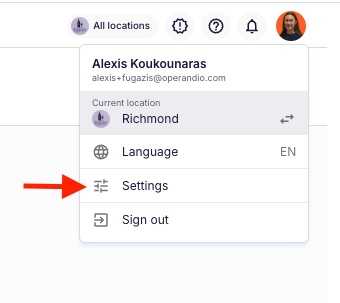
- Go to your Dashboard and click your Profile, then Settings.
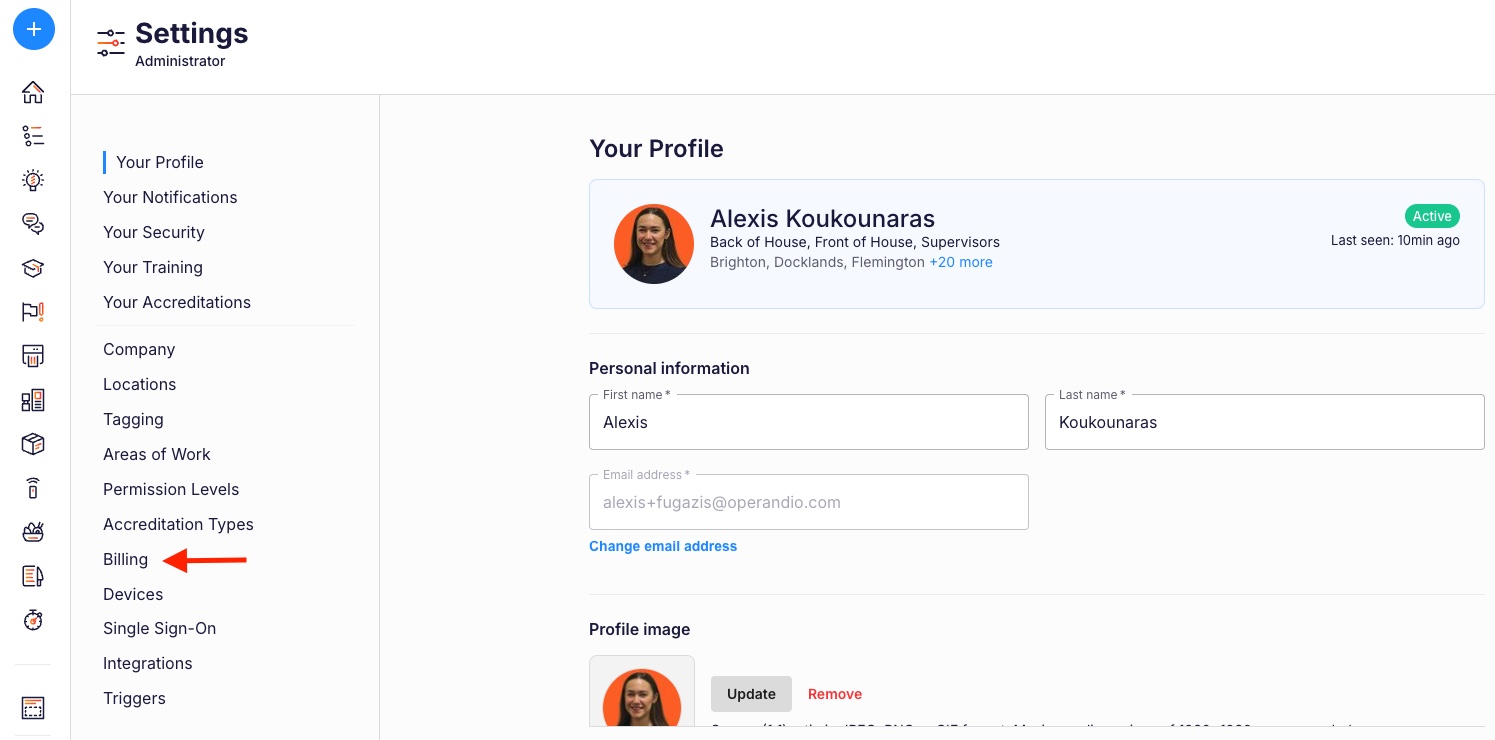
- From the Left Hand Navigation, select Billing.
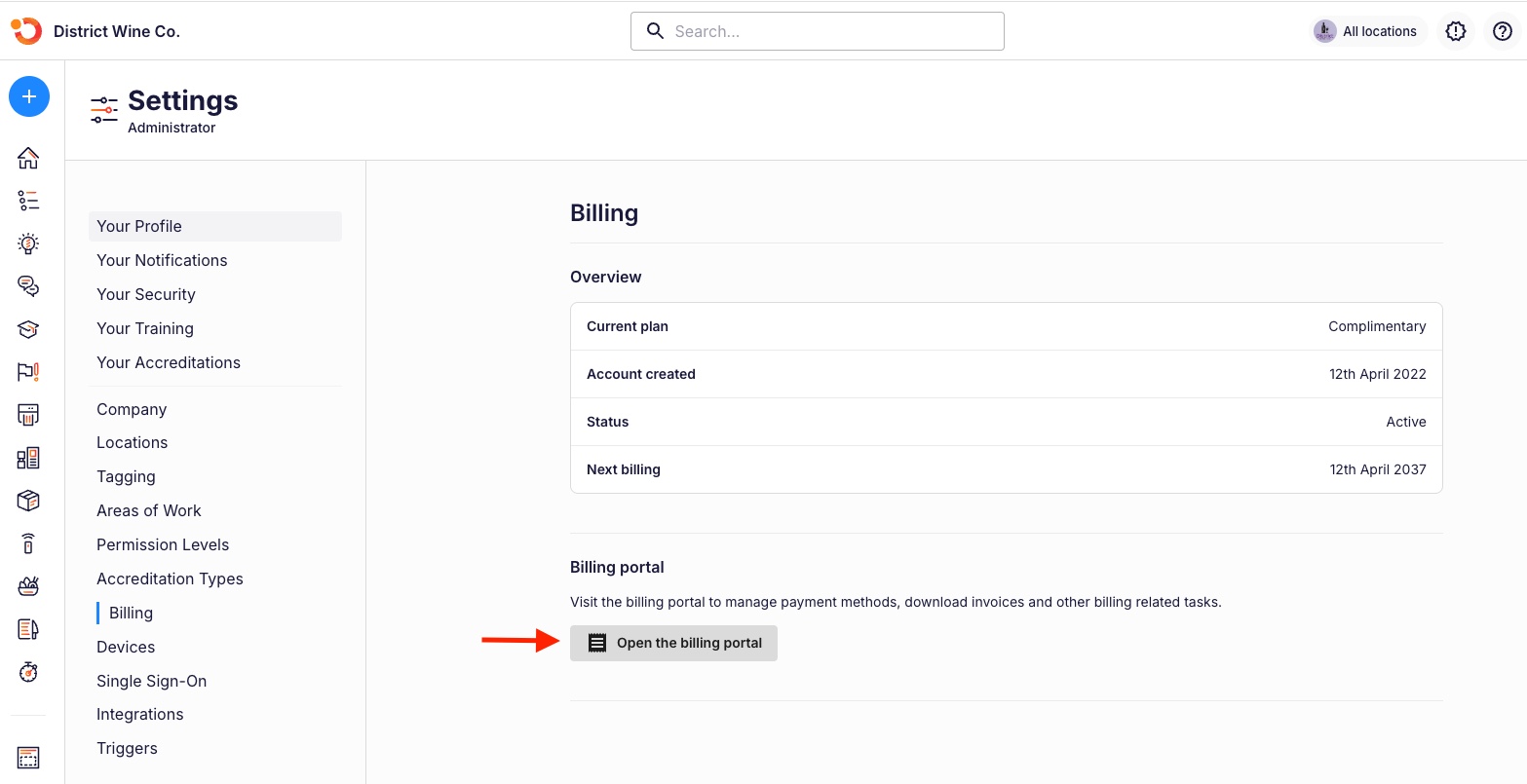
- Scroll down and click Open the billing portal.
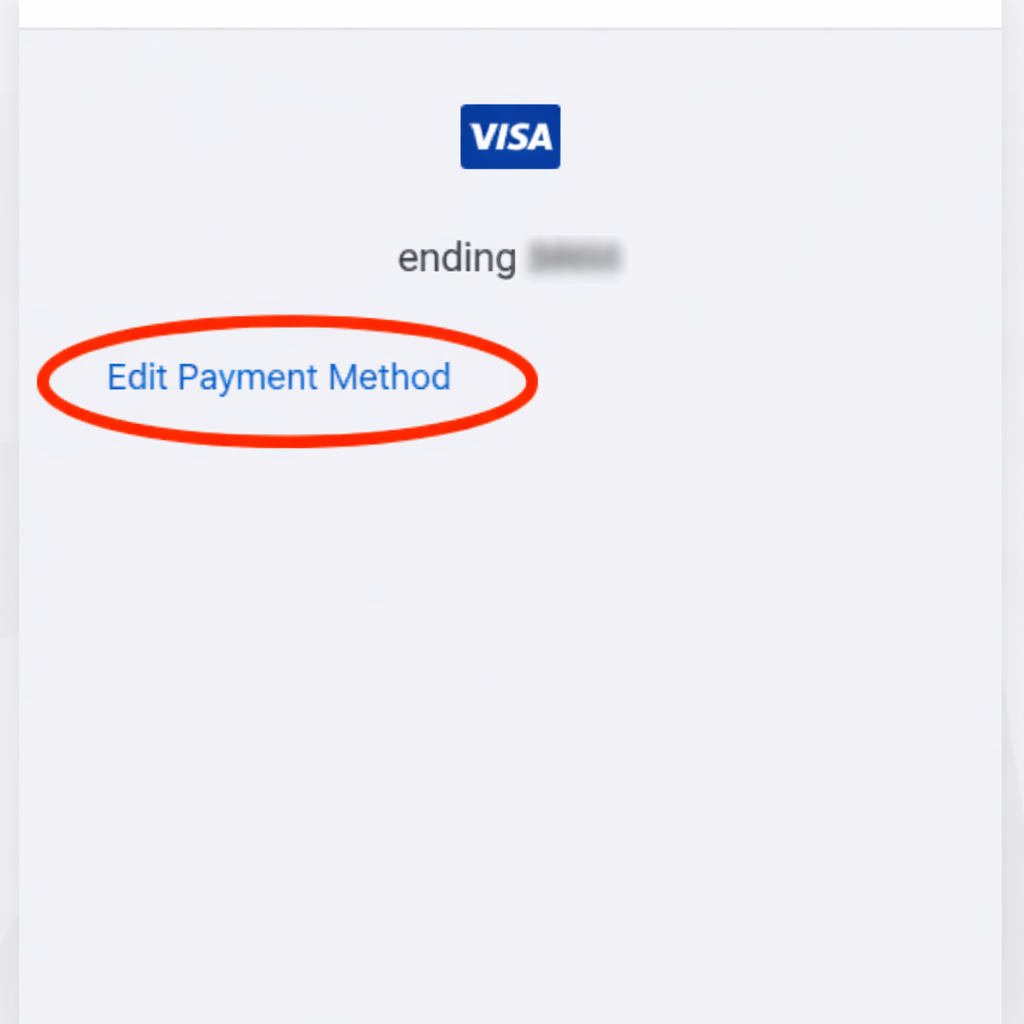
- In the billing portal, select Payment Methods.
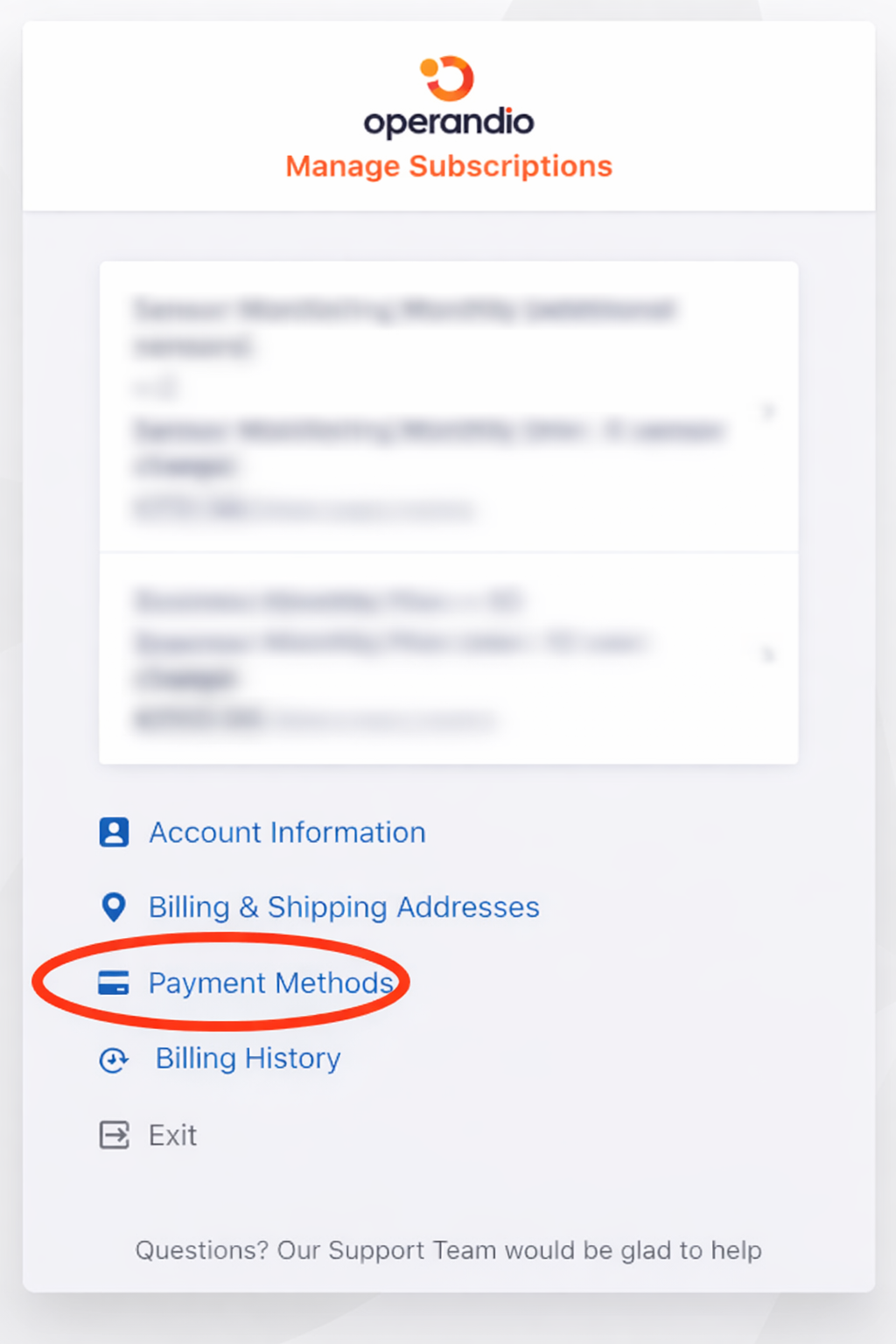
- Add or update, your credit card or direct debit info.
If you have any further questions around your plan or payment method please contact billing@operandio.com