How to manage your personal notifications
Last updated: June 6, 2026
You can turn on and off specific notifications that you receive as an individual user of Operandio.
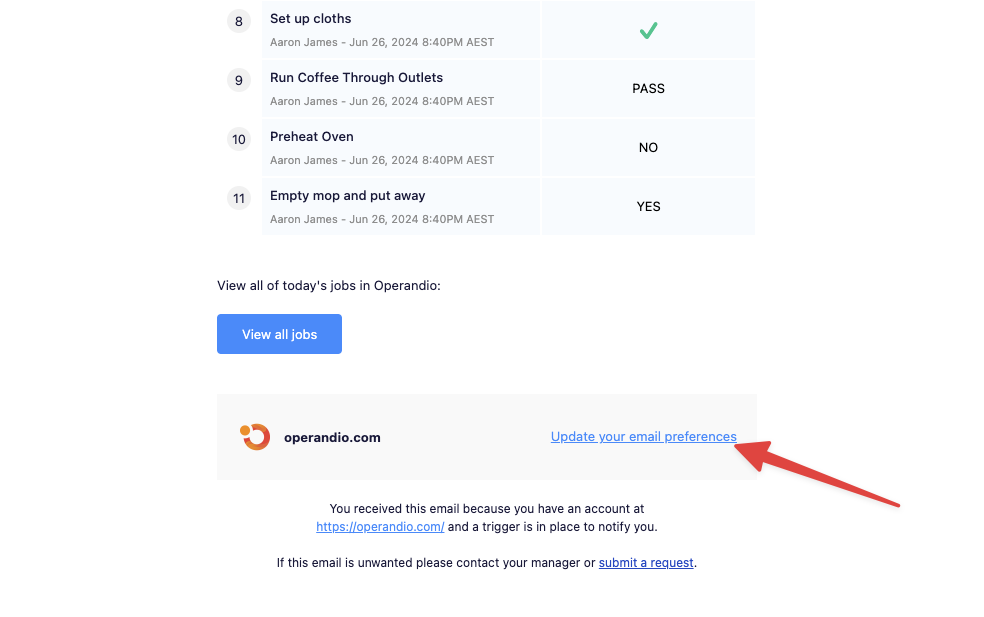
The easiest way to manage your notifications is by clicking on the link at the bottom of a recent email notification:
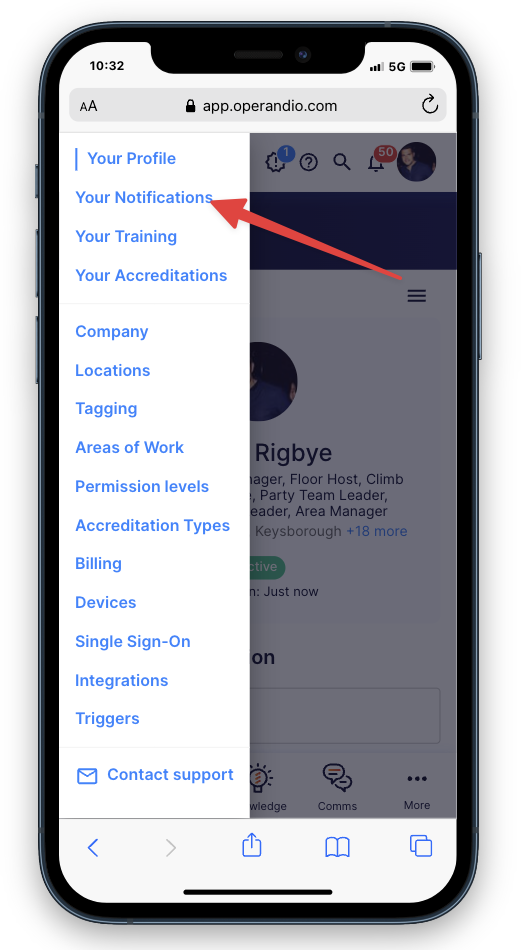
Alternatively, when you are in the app head to Profile > Settings > Your Notifications.